Interactive Submarine Cables Map by ESRI

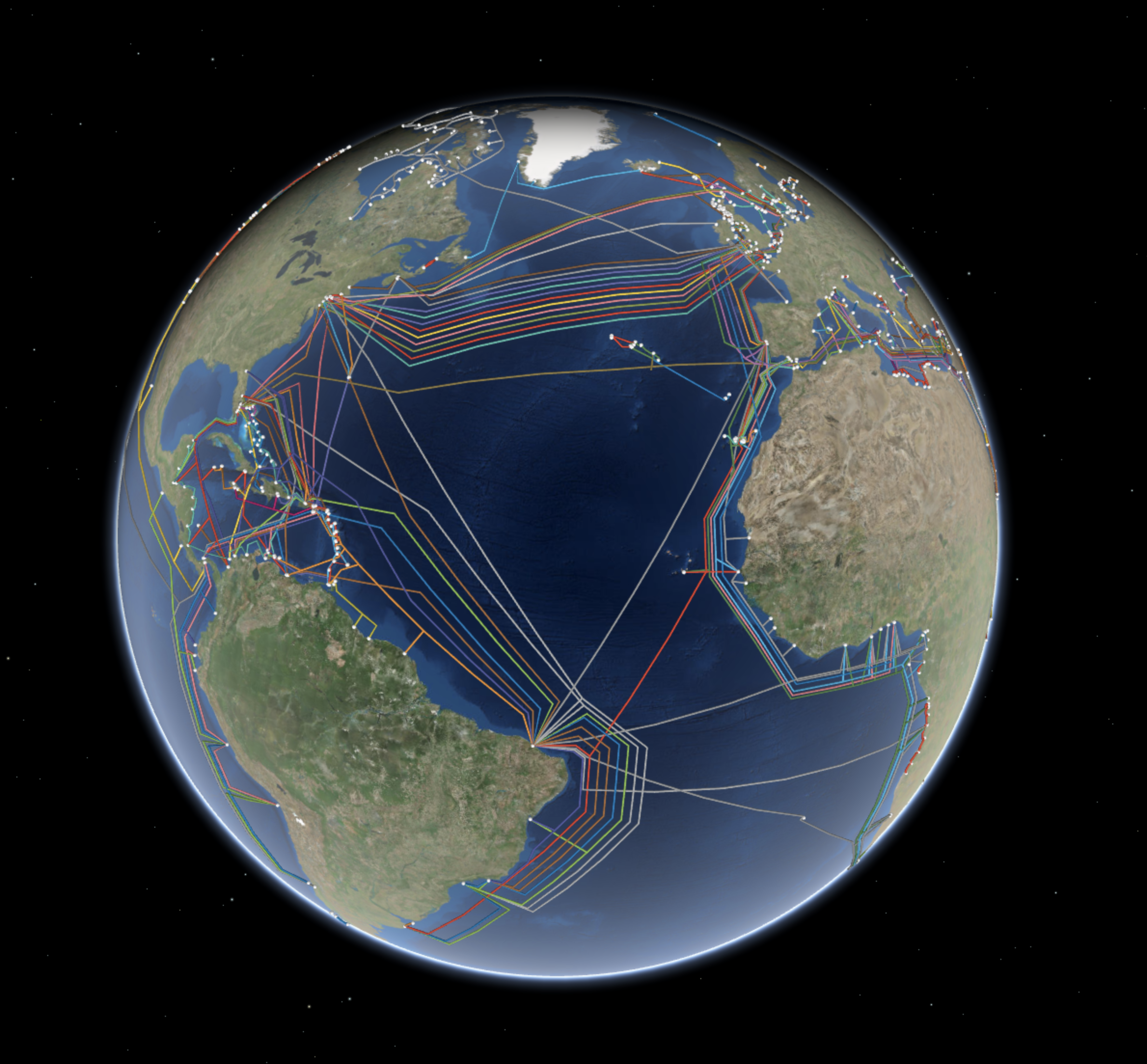
We have all seen submarine cable maps. What is nice is ESRI has one that is a live map. The link is here.
esri.png

You can review the cables based on year, cables, or landing points.

Screen Shot 2018-01-04 at 13.44.18.png
Why We Love It

Deep on the ocean floor you will find communication cables made to carry signals from one land to another. The first undersea communications cables, laid in the 1850s, carried telegraphy. Now these cables carry our phone and Internet traffic. Yet, they remain relatively hidden in the depths of the ocean. We love how this map lets us explore global cable connections. We can see the cables all at once or focus on interdependencies by using the contents pane to filter by construction year, a specific cable, or a landing point.

Why It Works

When we view undersea cable data on a global scene view, we get a real sense of how these cables tie together the world’s populated places. This map uses spheres and tubes to symbolize the landing points and cables. This works to emphasize connectivity while remaining playful and easy to understand. When you filter information based on a single cable, landing point, or construction year, you can see interdependencies that are otherwise less obvious. This map does not rely on traditional pop-ups when you select a feature, but instead hides all unrelated features.

Abstraction is the hidden technique of great solutions, not code

My degree is Industrial Engineering. https://en.m.wikipedia.org/wiki/Industrial_engineering I found the discipline when I was a freshman in high school sitting in the school library reading about different engineering degrees. My dad was a civil engineer for CalTrans and I was good at Math, Science, and Business. My computer skills were OK, but not as good as my other skills. It is easy to drill into the concrete specifics of Industrial Engineering discipline and I did this in the beginning working on logistics and distribution engineering. Luckily when I left HP to go to Apple is when I got my taste of working on working on software systems and creating new solutions which then let me address my weakness in computer science. This background also supported my moving to Micosoft for years and yeras on Windows.

With the popularity of learning coding skills, many think the key to build Internet Services is code. But when you dig into looking at where the great insights come from it is people who have top abstraction skills. 

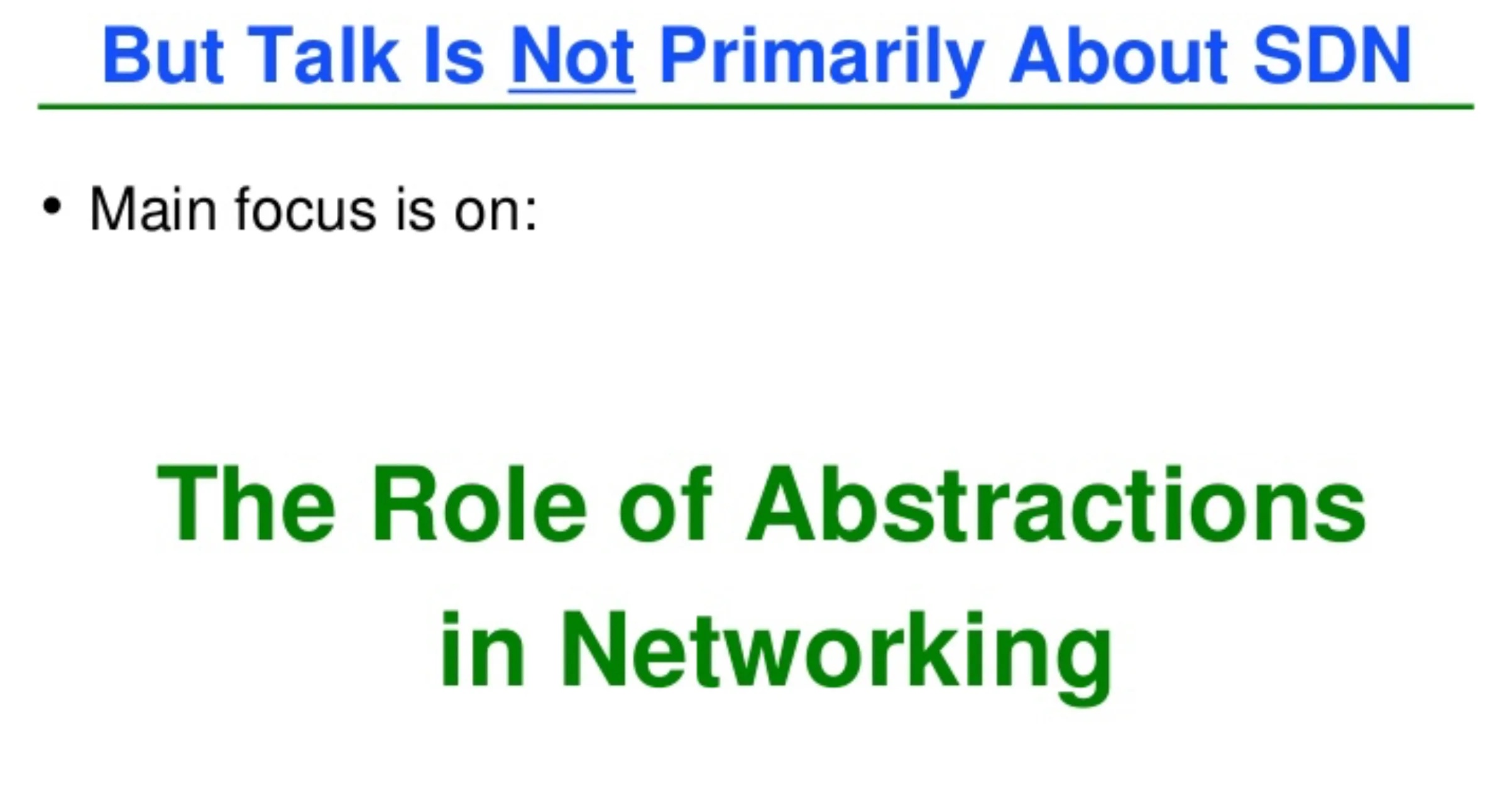
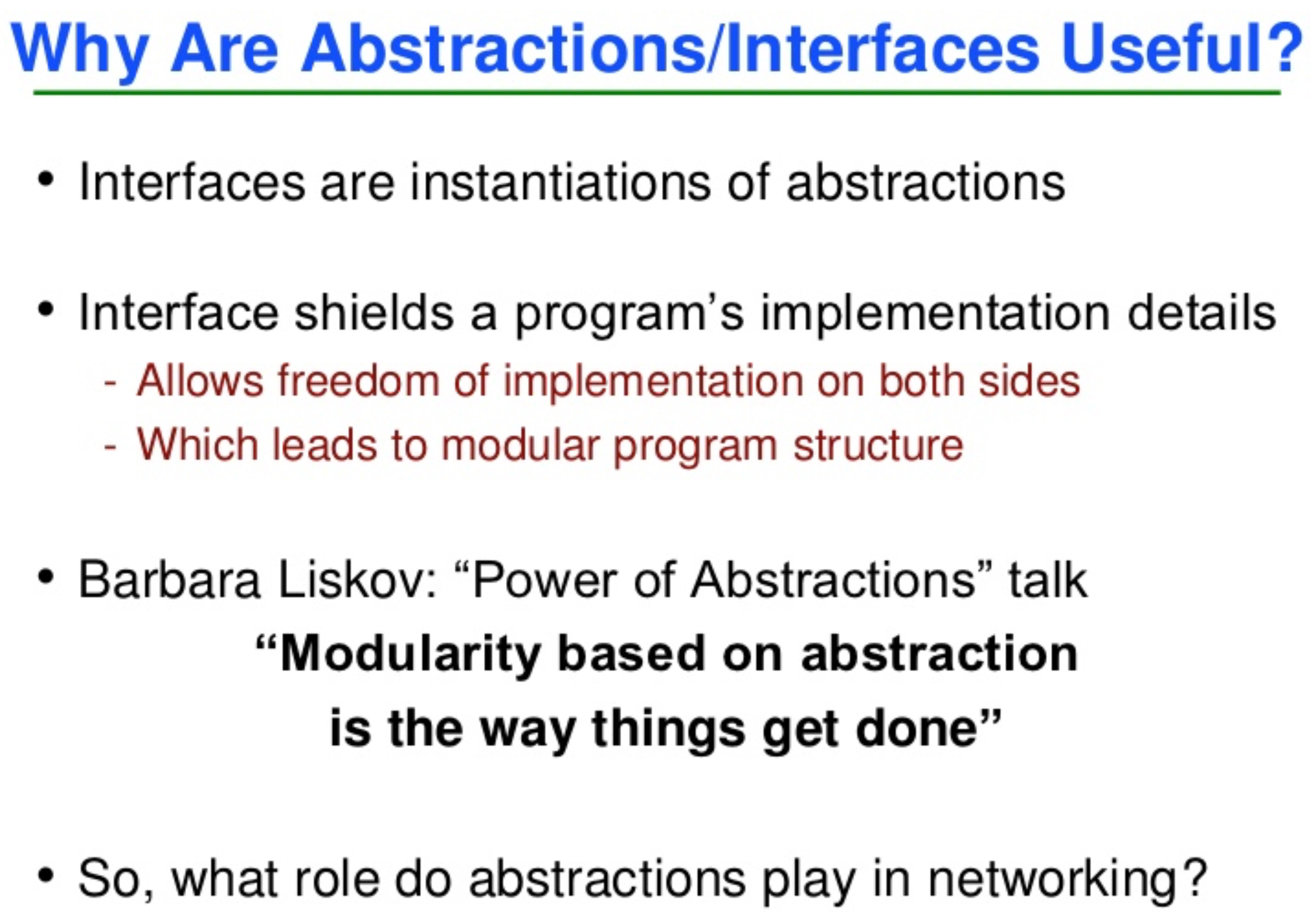
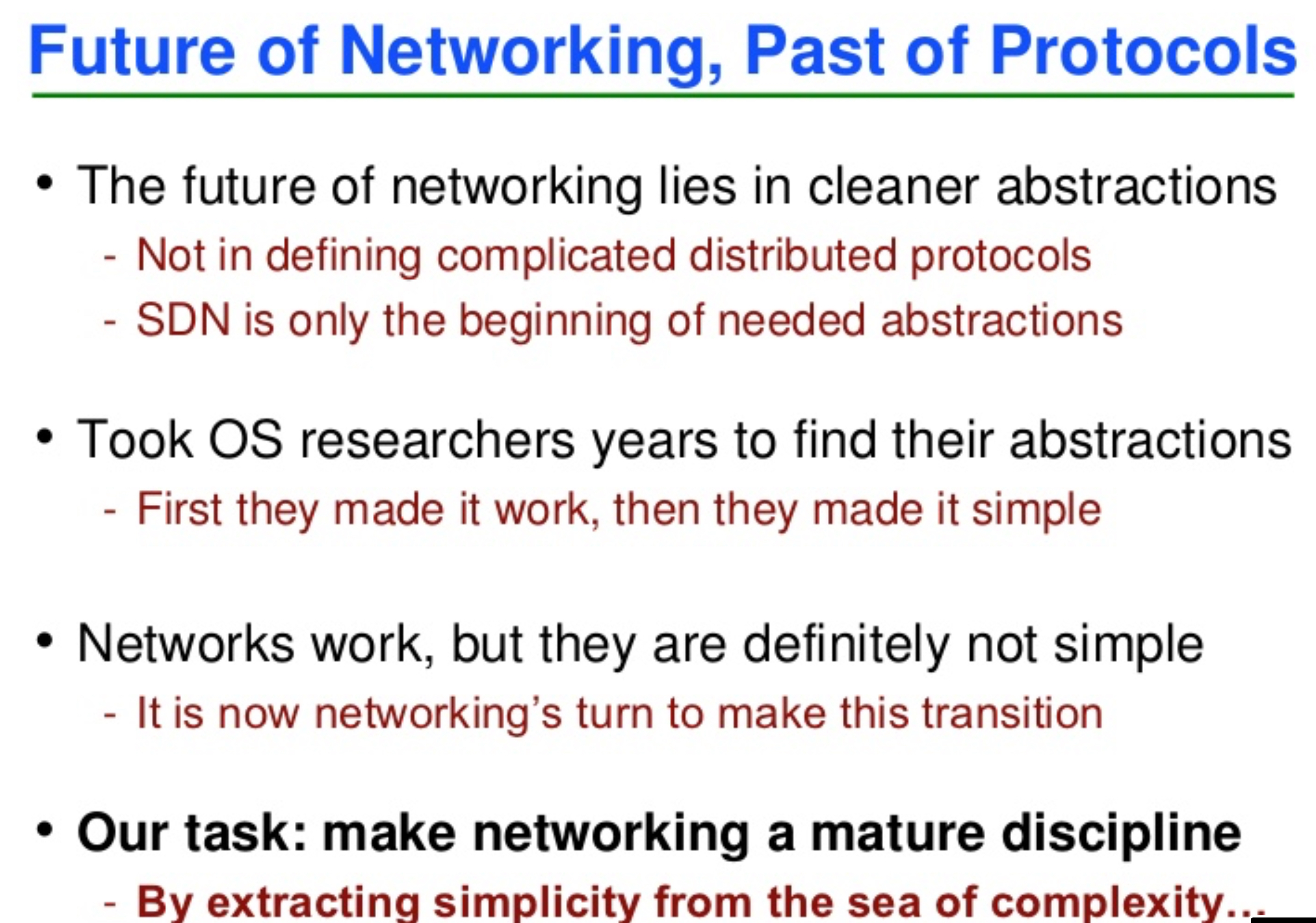
A presentation that I found that illustrates the power of abstraction is Scott Shenker’s presentation on the Future of Networking (SDN). https://www.slideshare.net/mobile/martin_casado/sdn-abstractions


FullSizeRender.jpg

It has taken my probability a dozen times looking at the slide deck to absorb the subtle details that Scott shares.  


FullSizeRender.jpg

The conclusion is  


FullSizeRender.jpg

Google shares its observations on Best Practices for AR

AR is a hot topic and Google has a post where they share their observations on best practices.

“From our own explorations, we’ve learned a few things about design patterns that may be useful for creators as they consider mobile AR platforms. For this post, we revisited our learnings from designing for head-mounted displays, mobile virtual reality experiences, and depth-sensing augmented reality applications. First-party apps such as Google Earth VR and Tilt Brush allow users to explore and create with two positionally-tracked controllers. Daydream helped us understand the opportunities and constraints for designing immersive experiences for mobile. Mobile AR introduces a new set of interaction challenges. Our explorations show how we’ve attempted to adapt emerging patterns to address different physical environments and the need to hold the phone throughout an entire application session.”

It’s a good summary of issues that are kind of obvious when you start down the path of building solutions.